Comparison
Stick vs Linktree

By Max on X
Founder of Stick
Both tools let you publish a free link in bio page. Choose Stick for its block-by-block design controls; choose Linktree for its marketplace integrations. Here is how their free plans and paid limits compare.
CREATE YOUR SITE — FREELinktree Free includes customizable themes, basic style controls and contact forms. Pro adds options such as image or video backgrounds, expanded headers, logo removal and mailing-list integrations. Stick includes every currently available block, theme and per-block style control for free, but has no custom domains or badge removal. We build Stick; the comparison includes our demo pages in both tools, screenshots of the editors and links to the official documentation.
See your page while you edit on mobile
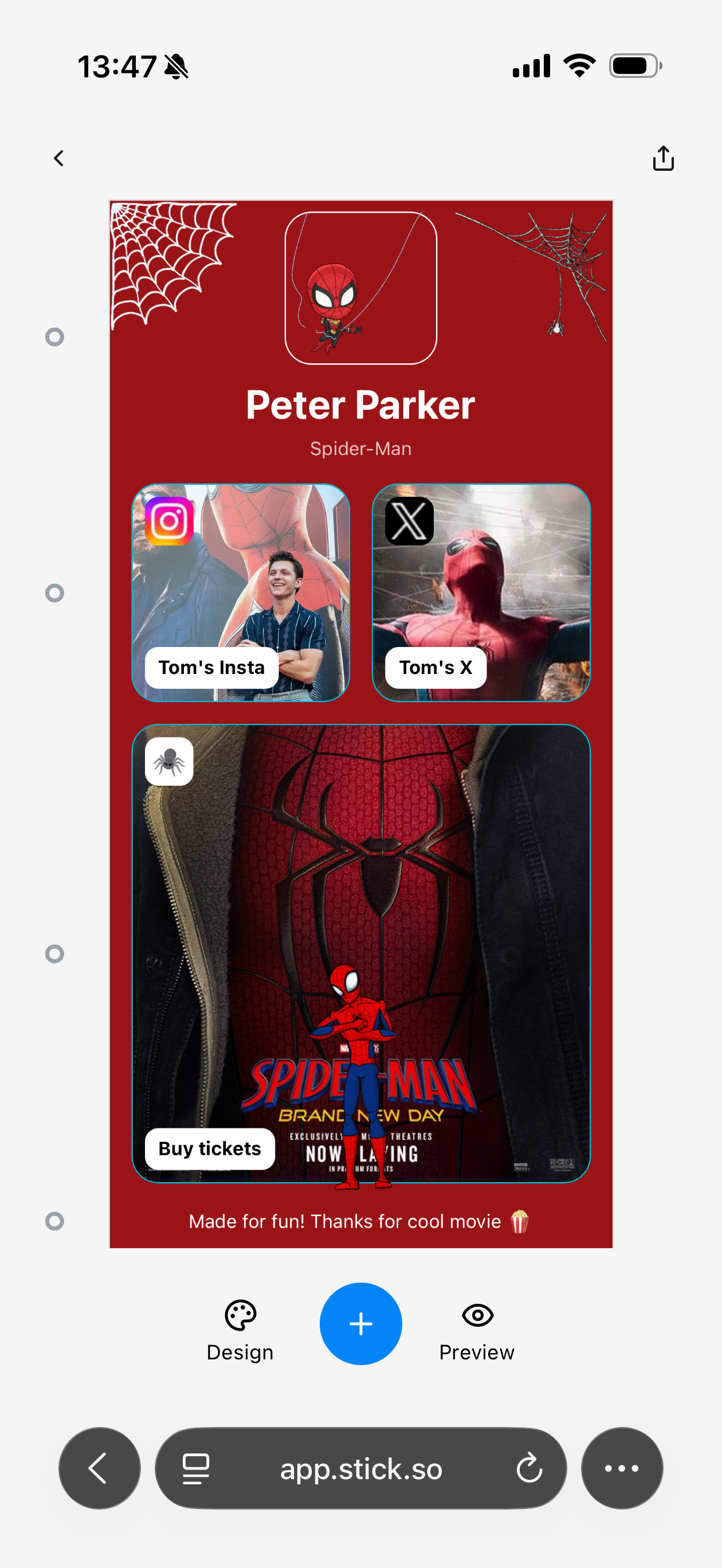
Stick’s visual editor keeps the page itself on screen. Select a block to change its content and styling in context. In the Linktree mobile Links screen shown here, you manage link entries and open Preview to see the finished layout.
Stick — visual block editor
Linktree — mobile Links screen
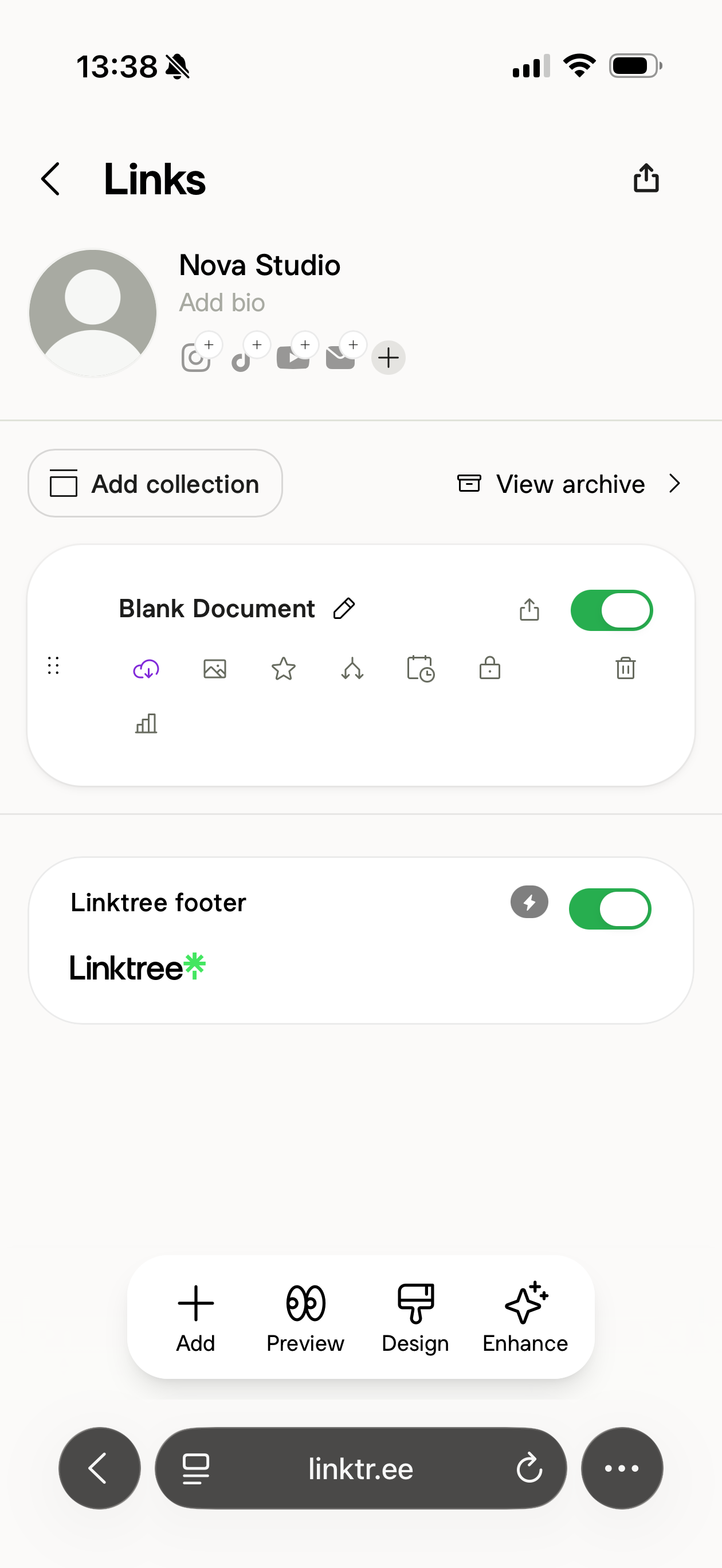
Our screenshots from mobile browsers: a fan-made page in Stick and our Nova Studio account in Linktree. They show the editing workflow, with different demo content in each tool.
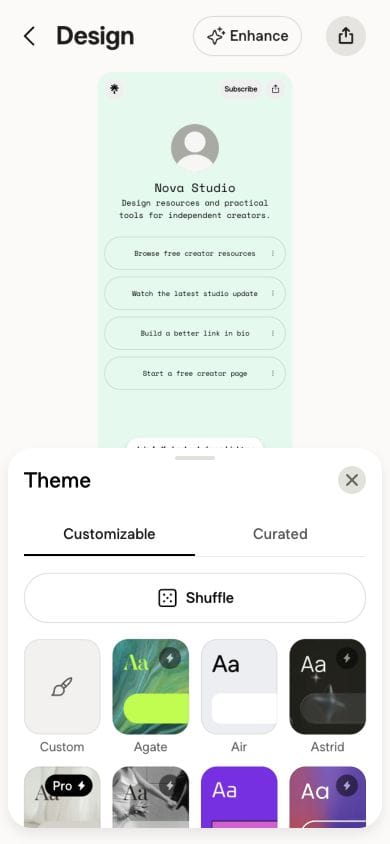
Linktree also has a separate Design editor with a live preview. The comparison above shows its mobile Links screen. Stick puts the page canvas at the center of the editing workflow, with content and styling controls for each block.
Side by side
| Stick | Linktree | |
|---|---|---|
| Editing on a phone | Visual page canvas: select a block on the page to edit its content and styling | Mobile Links screen for managing entries; Preview opens the page. The Design editor also has live preview. |
| Links on the free plan | Unlimited | Unlimited |
| Design | Every available block, every theme, per-block styling — free | Free themes and basic style controls; image/video backgrounds and expanded headers on Pro+ |
| Their branding on your page | Stick badge — removing it: in development | Linktree logo and footer, removable from Pro |
| Analytics | Included, free | Lifetime totals and 28 days of history on Free; insights for each link from Starter |
| Email capture | Forms and contact export, free | Subscribe and contact forms on Free; mailing-list integrations and subscriber CSV downloads on Pro+ |
| Custom domain | In development | Not offered on any tier |
| Fee when you sell a digital product | Stripe’s processing fees; sales go to your own Stripe account | Selling needs Pro or Premium, with 0% Linktree fee plus Stripe processing; Free and Starter offer free products only |
Linktree figures checked on 2026-10-28 against Linktree pricing, Linktree seller fees, Linktree custom domains, Linktree analytics history, Linktree Subscribe, Linktree form exports and integrations, Linktree themes, Linktree header layouts, Linktree logo removal, Linktree seller eligibility, Linktree selling guide. Pricing in this category moves — tell us if something here is out of date.
Design controls in Stick and Linktree
In Stick, you build the page from blocks and adjust their content and styling individually. The editor shows the page as you work, with controls to add blocks, change the page design and preview the result. The mobile example above combines image cards, a two-column layout and stickers.
Linktree Free gives you more than a fixed list of buttons. You can use a customizable theme, choose a background color and adjust the page’s text, buttons and colors. A curated theme is a quicker starting point, but Linktree’s theme guide says only its wallpaper can be edited. Choose a customizable theme when you want to change those individual settings.
Some design choices still require an upgrade. Uploading your own image or video background and using the Hero header require Pro or Premium. The useful comparison is whether you need those specific options or Stick’s styling controls for each block. Both free products keep their branding on the published page.
Linktree prices, analytics and selling limits were checked against its documentation on October 28, 2026.
More ways to design a Stick page
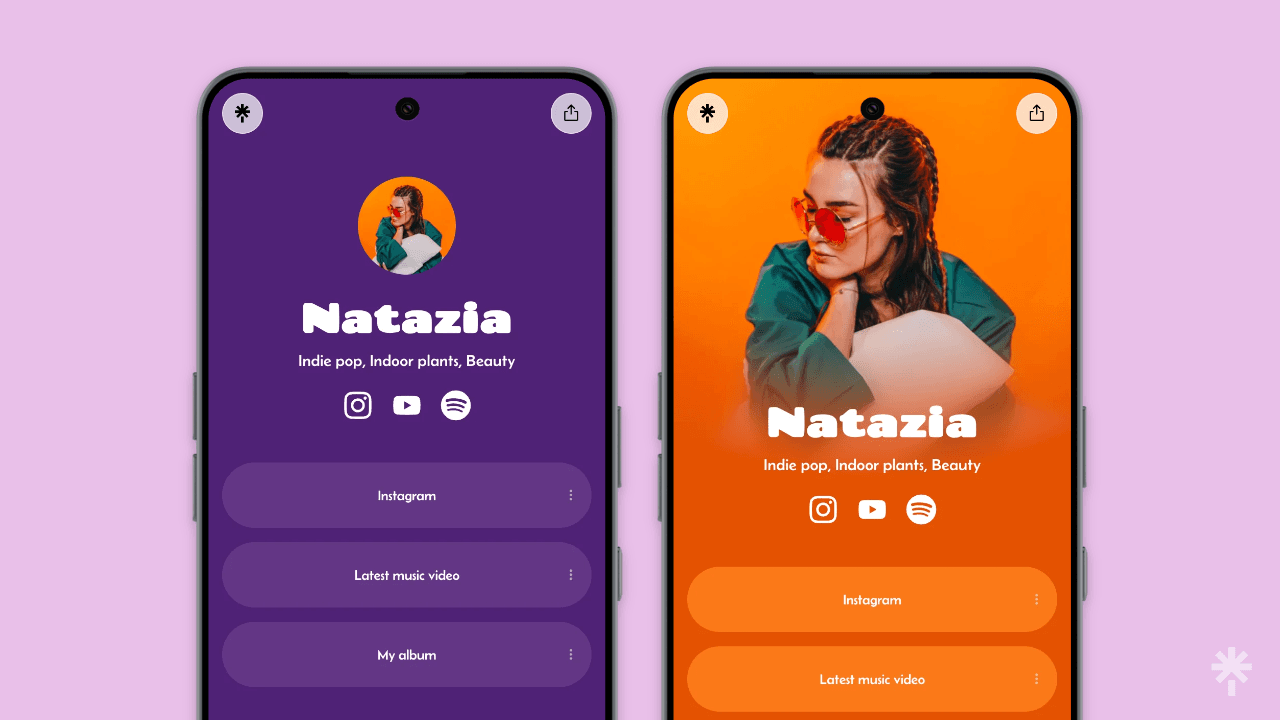
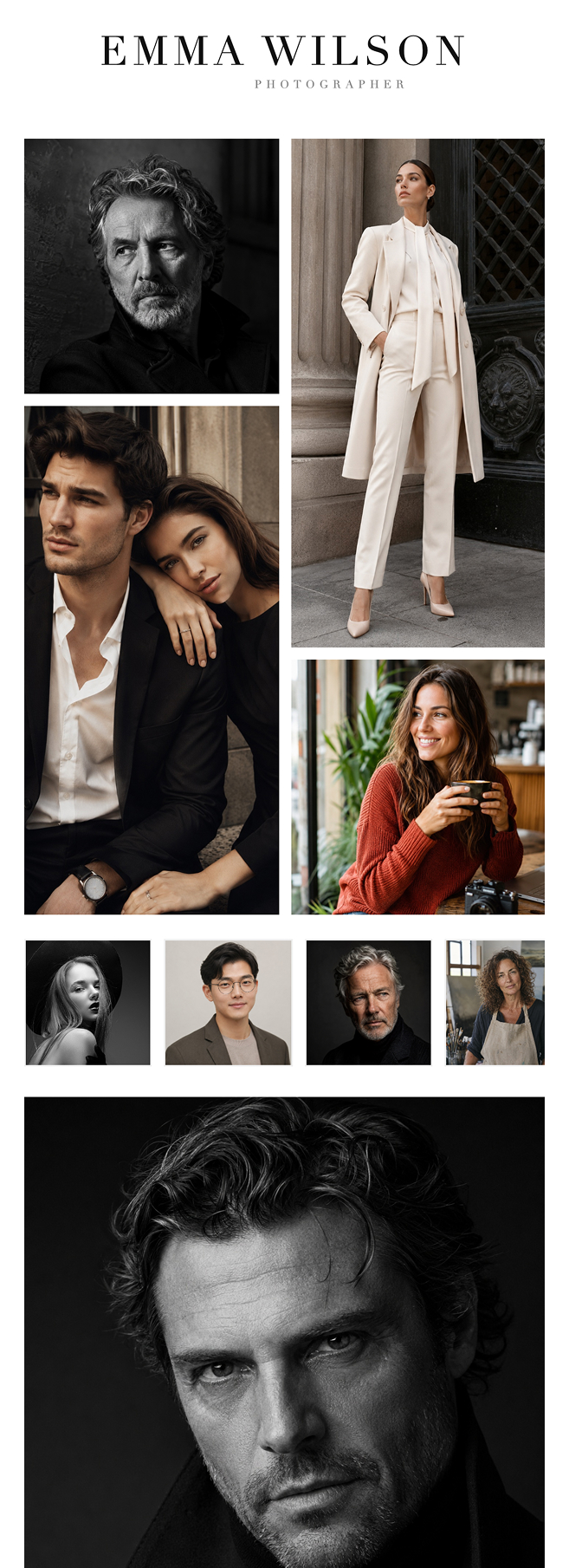
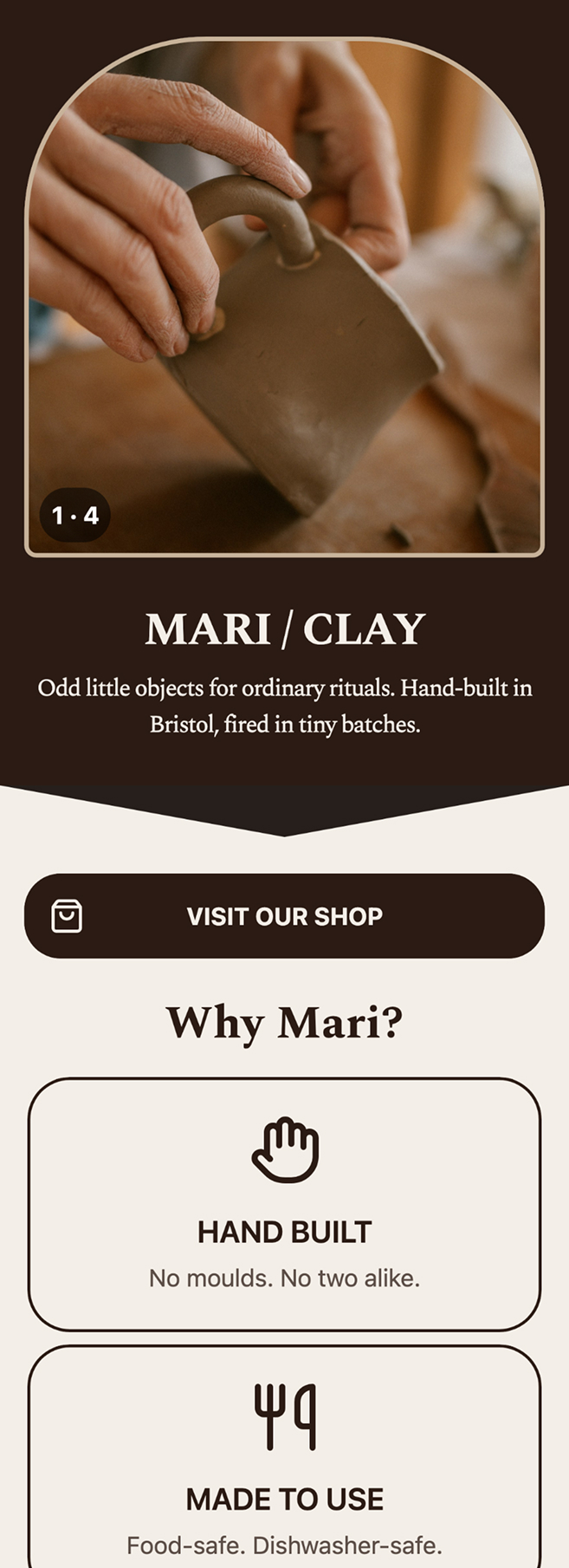
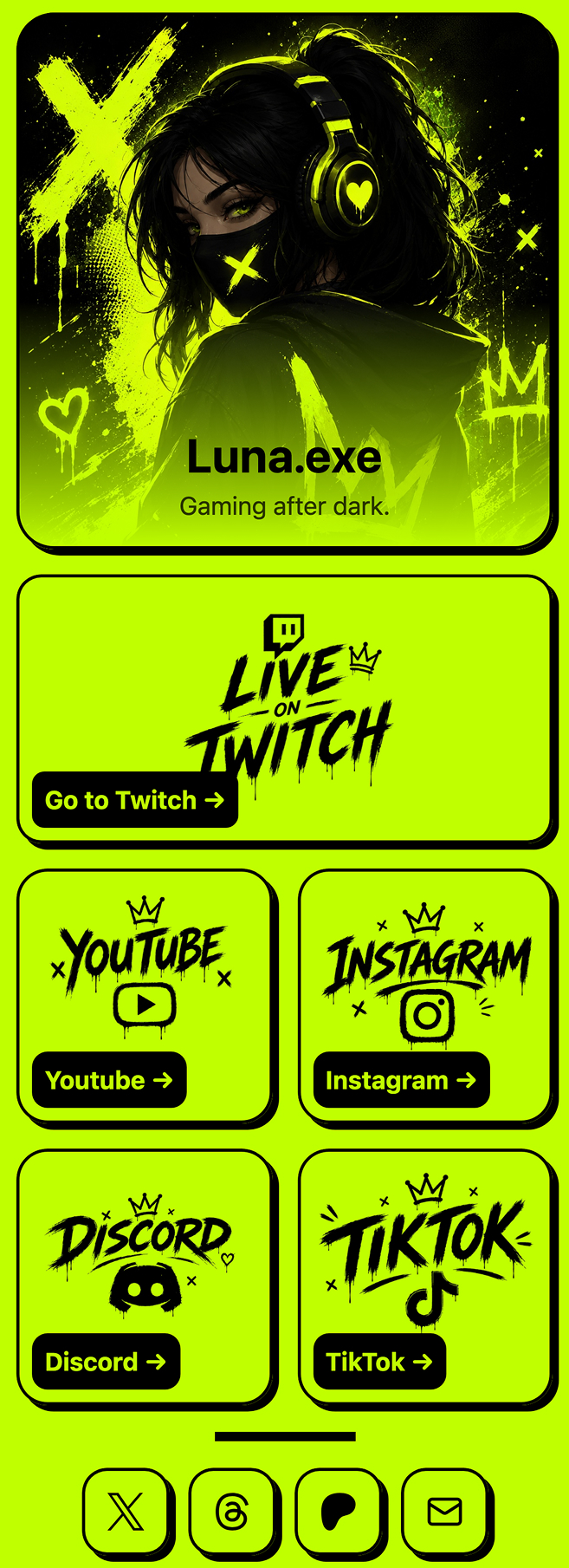
These design examples from the Stick homepage show three directions: a photography portfolio, a small studio and a gaming profile. Use them as inspiration for your own mix of galleries, images, links and colors.
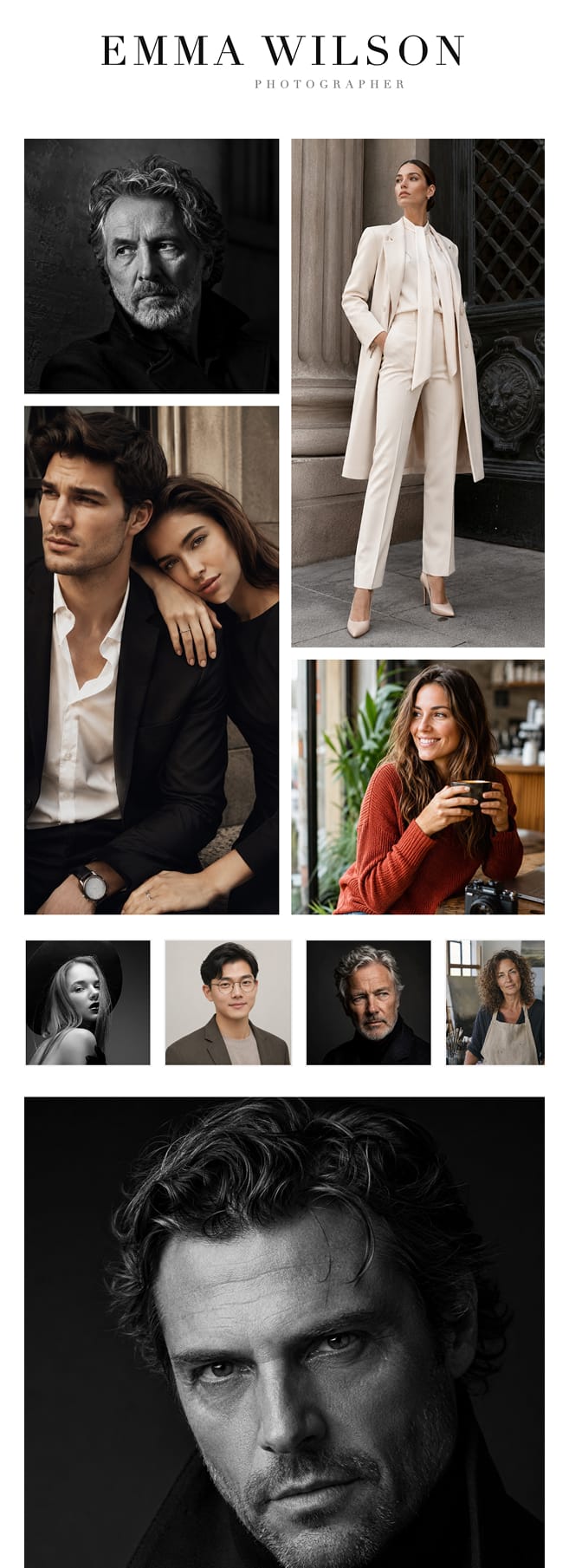
Emma Wilson — a photography portfolio built around galleries. 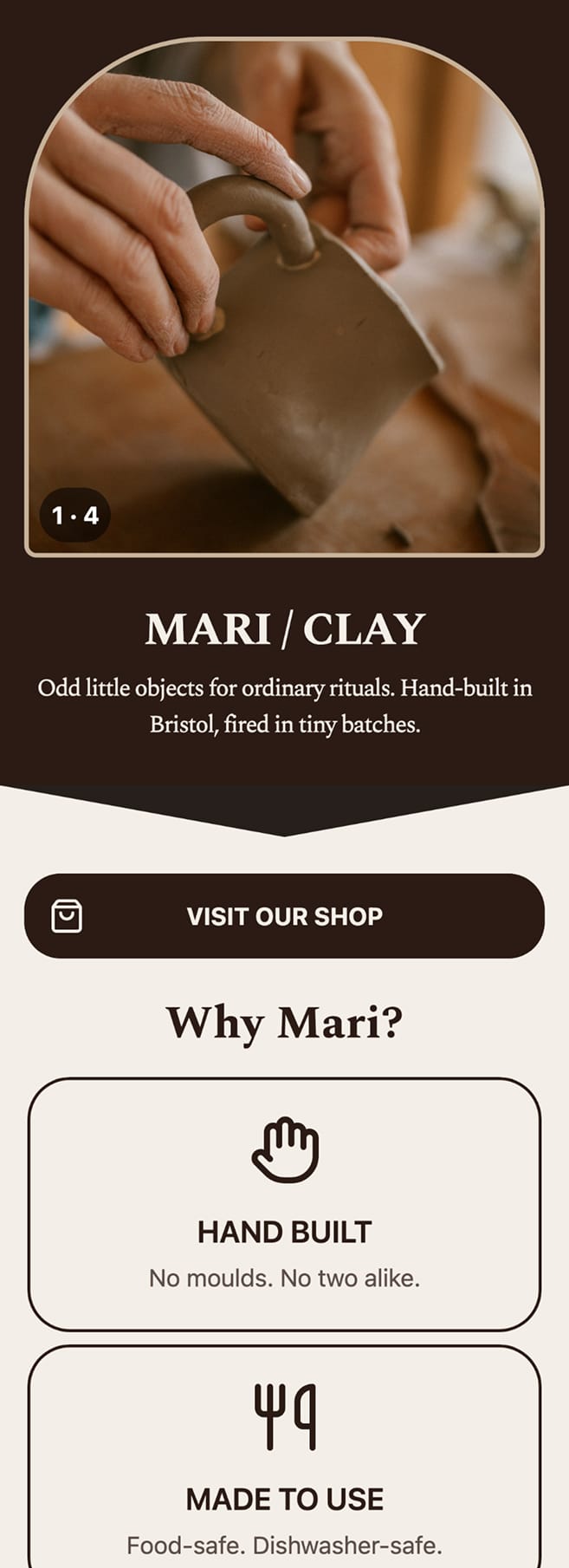
Mari Clay — warm colors, a studio introduction and a shop link. 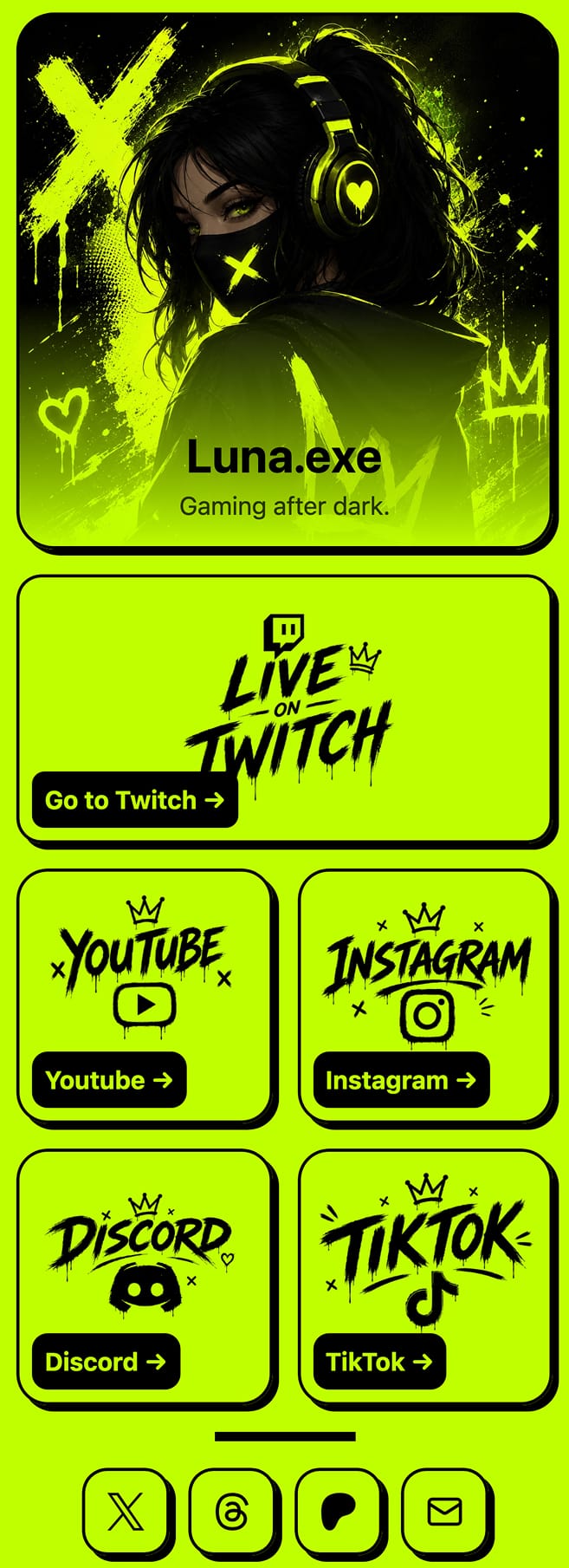
Luna.exe — a bright gaming profile with illustrated social links.
Choose around the page you need
For a profile photo, a short introduction and a few links, either free plan can be enough. Start with your most important destination and preview the page on a phone. Paying for a different header only makes sense if it helps present your work.
For a page built around a gallery, video or enquiry form, compare how much control you want over each block. Stick includes its available blocks, themes and block styling in the free plan. Our guide to Stick shows what is included and which features are still unavailable.
If the page needs to sell and deliver a digital product, both can: Linktree’s checkout needs a Pro or Premium plan and takes no fee of its own, and Stick’s Digital Product block sells through a checkout on your own Stripe account and delivers the file by email. For the full Linktree plan breakdown, read what Linktree includes for free and on paid plans.
Which one you should pick
Pick Stick if
You want to combine links, media, galleries, forms and digital products, and style each block with the controls included in the free plan. You do not need a custom domain.
Pick Linktree if
You want a familiar link page or a specific marketplace integration.
Not sure either of these is the answer? We put them all side by side, and listed the Linktree alternatives by what each one actually fixes. Still deciding what the page is even for? Start with what a link in bio is for, or what each plan includes.