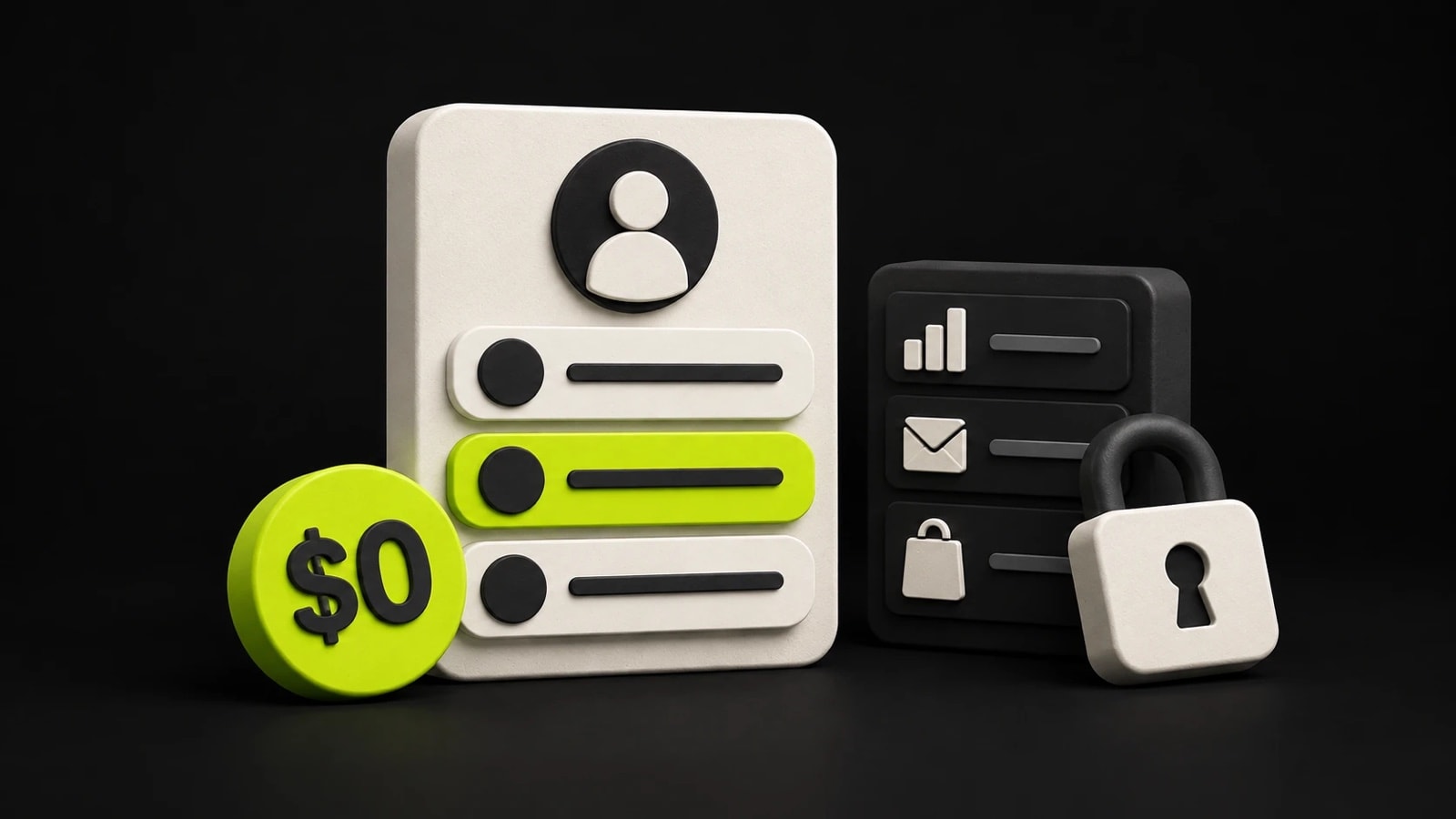
Yes: Linktree has a Free plan that costs $0 a month, and it is a plan rather than a trial. You get
a page at linktr.ee/yourname with unlimited links, a Subscribe button and contact forms. What
Free holds back is the Linktree logo in your footer, analytics older than 28 days, syncing sign-ups
to an email tool, and charging for digital products, courses or bookings. Those start on the paid
plans, from $7 a month billed annually.
Everything below was checked against Linktree's pricing page and its help centre on 28 October 2026.
What Free includes and what costs money#
| Feature | On Free | On a paid plan |
|---|---|---|
| Links | Unlimited, one of them in the larger Featured layout | Unlimited Featured links from Starter |
| Address | linktr.ee/yourname | The same: no plan offers a custom domain |
| Linktree logo | Stays in the footer | Removable from Pro |
| Ads for your visitors | Possible: Linktree is testing them on some Free pages | Never, from Starter up |
| Design | Free themes, your own colors and basic button styles | Lightning-bolt themes, fonts, image or video backgrounds and larger headers from Pro |
| Analytics history | Lifetime totals and the last 28 days | 90 days on Starter, 365 on Pro, lifetime on Premium |
| Insights for each link | Not included | From Starter |
| Email sign-ups | Subscribe and contact forms, read in Linktree | Syncing to Mailchimp, Klaviyo, Kit and others, and CSV downloads, from Pro |
| Products, courses, bookings | Free ones only | Paid ones from Pro, with no Linktree fee |
| Tips and paid files in messages | 12% Linktree fee | 0% from Starter |
| Redirect and scheduled links | Not included | From Starter |
The Free page is a real page, not a demo. The design controls are the ones people underrate: a customizable theme lets you set the text, colors, buttons and wallpaper yourself, as Linktree's theme guide shows. What it cannot do is look like it came from somewhere other than Linktree, because the logo stays until Pro.
The newest catch is the ads. Linktree says it is running a limited test in which some Free pages in eligible countries show visitors a short, labelled ad between tapping a link and reaching it. Not every visitor or link gets one, and no paid plan shows them.
What the paid plans cost#
| Plan | Billed annually | Billed monthly | What it adds |
|---|---|---|---|
| Free | $0 | $0 | Unlimited links, email sign-ups, 28 days of analytics |
| Starter | $7/mo | $9/mo | No ads, insights for each link, 90 days of history, redirect and scheduled links |
| Pro | $14/mo | $17/mo | No Linktree logo, custom backgrounds and fonts, selling with no Linktree fee, email-tool syncing |
| Premium | $30/mo | $35/mo | Lifetime analytics with CSV export, link rules, AI tools, admins, social scheduling |
These are the US dollar prices on linktr.ee/s/pricing on 28 October 2026. Pro and Premium come with a seven-day free trial; Starter does not. Starter and Pro cost more than they did when we checked on 7 September 2026, at $6 and $12 a month billed annually, or $8 and $15 monthly. Premium has not moved.
The two boundaries worth remembering: the logo comes off on Pro, not Starter, and products, courses and bookings cannot carry a price below Pro. Linktree's own list of paid features has the rest, feature by feature.
What selling on Linktree costs#
This is the part that changed most in 2026, and the part older articles get wrong.
- Free and Starter can give products away, not sell them. The pricing table lists digital products, courses, bookings and bundles as free-only on both plans, and Linktree's eligibility page says selling digital products needs Pro or Premium.
- Pro and Premium pay no Linktree fee. The table lists 0% Linktree fees on paid products, courses and bookings.
- Stripe takes its cut on every plan. Linktree's fee article lists 2.9% plus $0.30 per purchase, with extra Stripe fees for some payment types. On a $20 ebook sold on Pro, that is $0.88, so $19.12 of the sale reaches you.
- Payouts of partner earnings cost $0.25. Commissions from Linktree Shops, sponsored links and affiliate offers, which are available in the US only, carry a $0.25 Stripe fee per payout. The fee article says Linktree's own share is already factored into the commission it shows you, and the pricing table lists Pro and Premium as keeping 100% of affiliate commissions.
- Tips and paid files in messages are the exception. Free pays a 12% Linktree fee on them, and every paid plan pays 0%.
Selling works only in supported countries: the US, Canada, the UK, most of the EU, Switzerland, Norway, Australia, New Zealand, Japan, Singapore, Hong Kong and the UAE.
Until October 2026 the same pricing table listed a 12% fee on products sold on Free, 9% on Starter and Pro, and 0% on Premium. Write-ups from before then, ours included, quote those numbers.
So for a seller, the question is no longer the size of Linktree's cut. It is whether $14 a month is worth paying before your first sale. Against a free plan that takes 9% of each sale, which is Beacons' arrangement, Pro at the annual price comes out cheaper once you sell more than about $155 a month, before card processing, which you pay either way.
When Free is enough#
Free is enough when the page is a signpost rather than a shop:
- Your links point to things that live elsewhere: a YouTube channel, a shop on another platform, a booking page, a newsletter.
- You collect emails with Subscribe or a contact form and are happy to read them in Linktree.
- You look at the numbers to see whether anyone clicks, not to report to a sponsor. Lifetime totals and 28 days of history answer that.
- You give things away. Free products, courses and bookings all work on Free.
- The Linktree logo does not bother you, and neither does an occasional ad in front of your audience.
It stops being enough when:
- You want to sell a product, course or booking. That is Pro, at $14 a month billed annually.
- The page must not say Linktree. The logo comes off on Pro; Starter keeps it.
- You need history. A brand asking for last quarter's clicks needs at least Starter's 90 days.
- You want your own domain. No Linktree plan offers one, so paying does not fix it.
- Ads in front of your visitors are a deal-breaker. Any paid plan, Starter included, turns them off.
Starter, Pro or Premium?#
If you are going to pay, the tiers split cleanly. Starter removes the ads and shows which link gets the clicks, but keeps the logo and cannot put a price on a product. Pro is what most people mean by paid Linktree: no logo, custom backgrounds and fonts, selling with no Linktree fee and email-tool syncing, with a trial to try it first. Premium adds lifetime analytics with CSV export, link rules, AI tools and admins, which matter to teams and to people who report on their numbers.
What Linktree is and how the page works, rather than what it costs, is in What is Linktree?.
If you are deciding whether to stay, Stick vs Linktree puts the two free plans side by side, and the best Linktree alternatives covers what each one fixes.