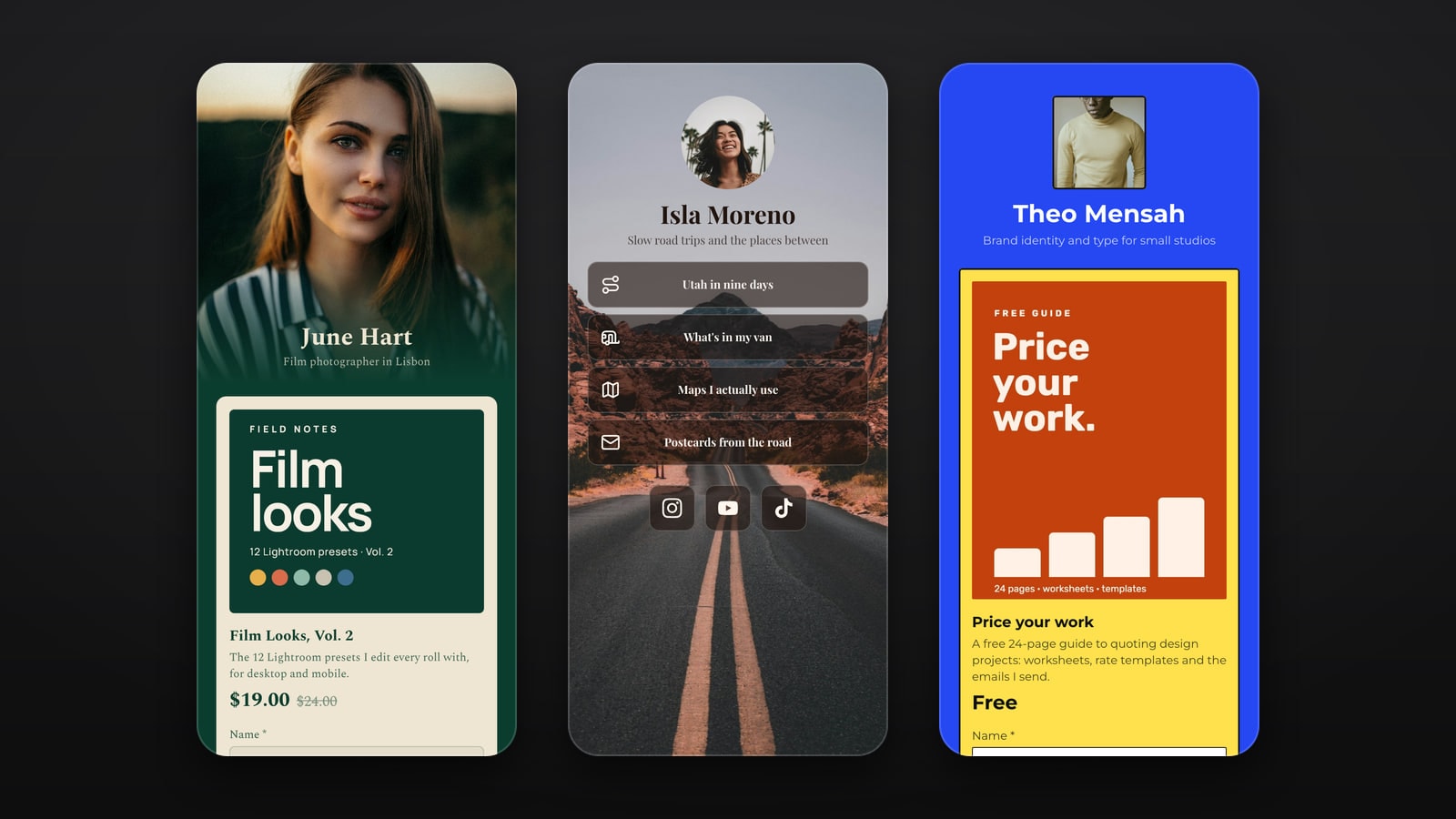
You can now sell digital products from your Stick page. September also brought new themes, background photos and an editor you can try without an account.
Sell digital products from your page#
Ebooks, presets, templates, a course: if it fits in a file or behind a link, you can now sell it right from your Stick page.
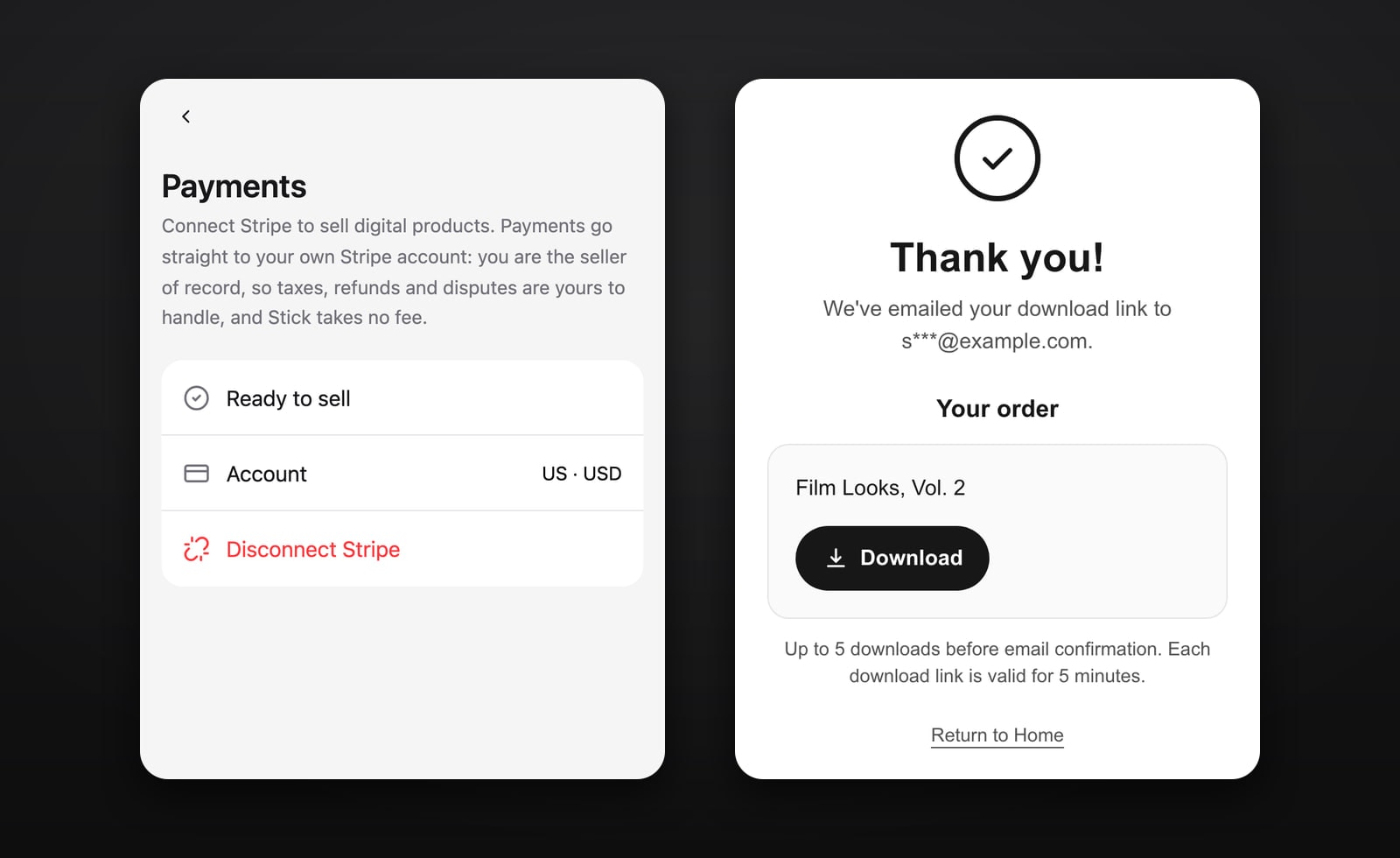
Add a Digital Product block, give it a cover, a title and a price, and attach the file. Visitors pay through Stripe. Once the payment is confirmed, they can open their purchase on the thank-you page and from a link we email them.
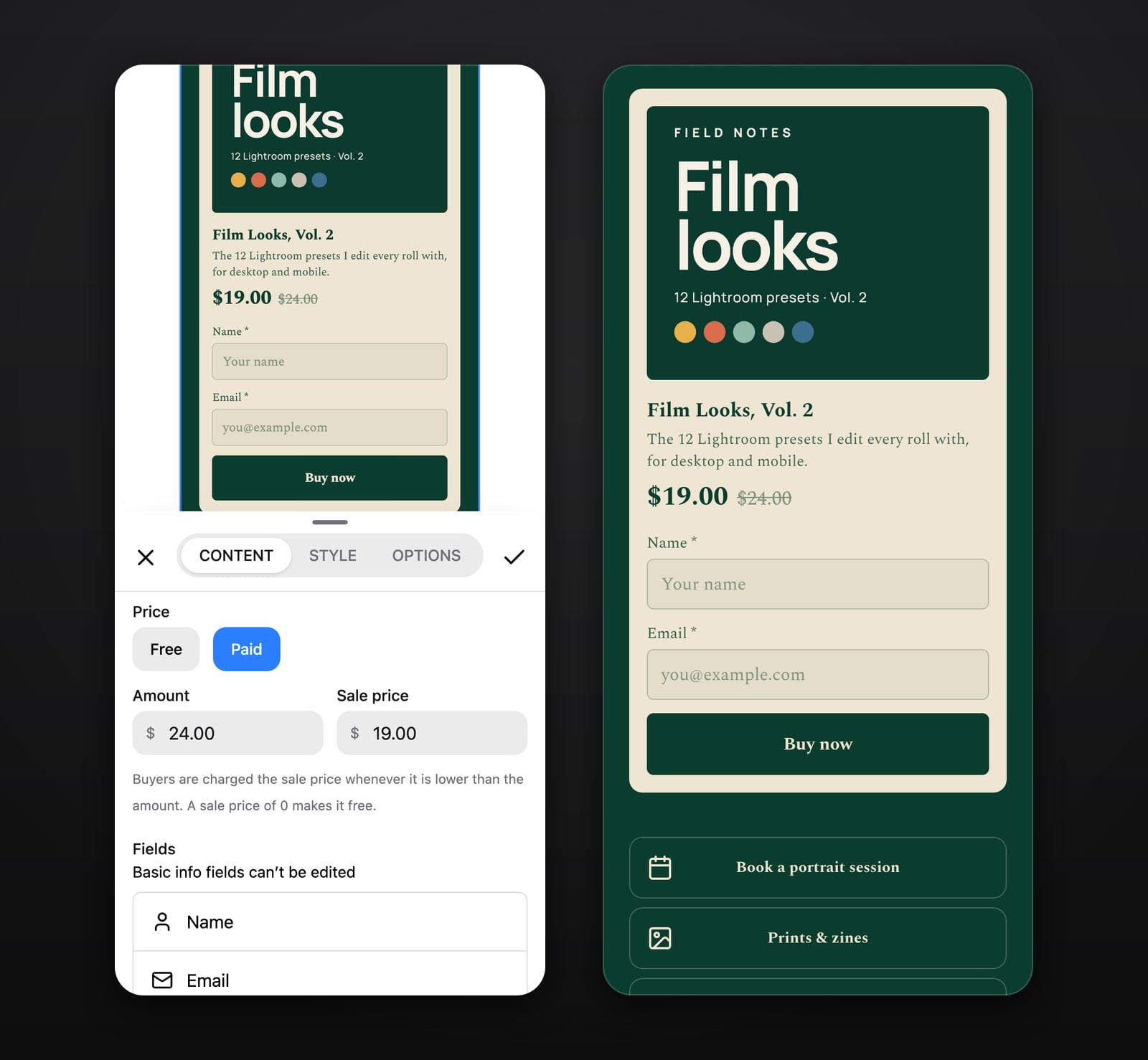
The money goes straight to your own Stripe account, which you connect once in Settings → Payments. Stick doesn't take a cut. You can also set a sale price, or make the product free and give it away for an email.
New themes, page fonts and background photos#
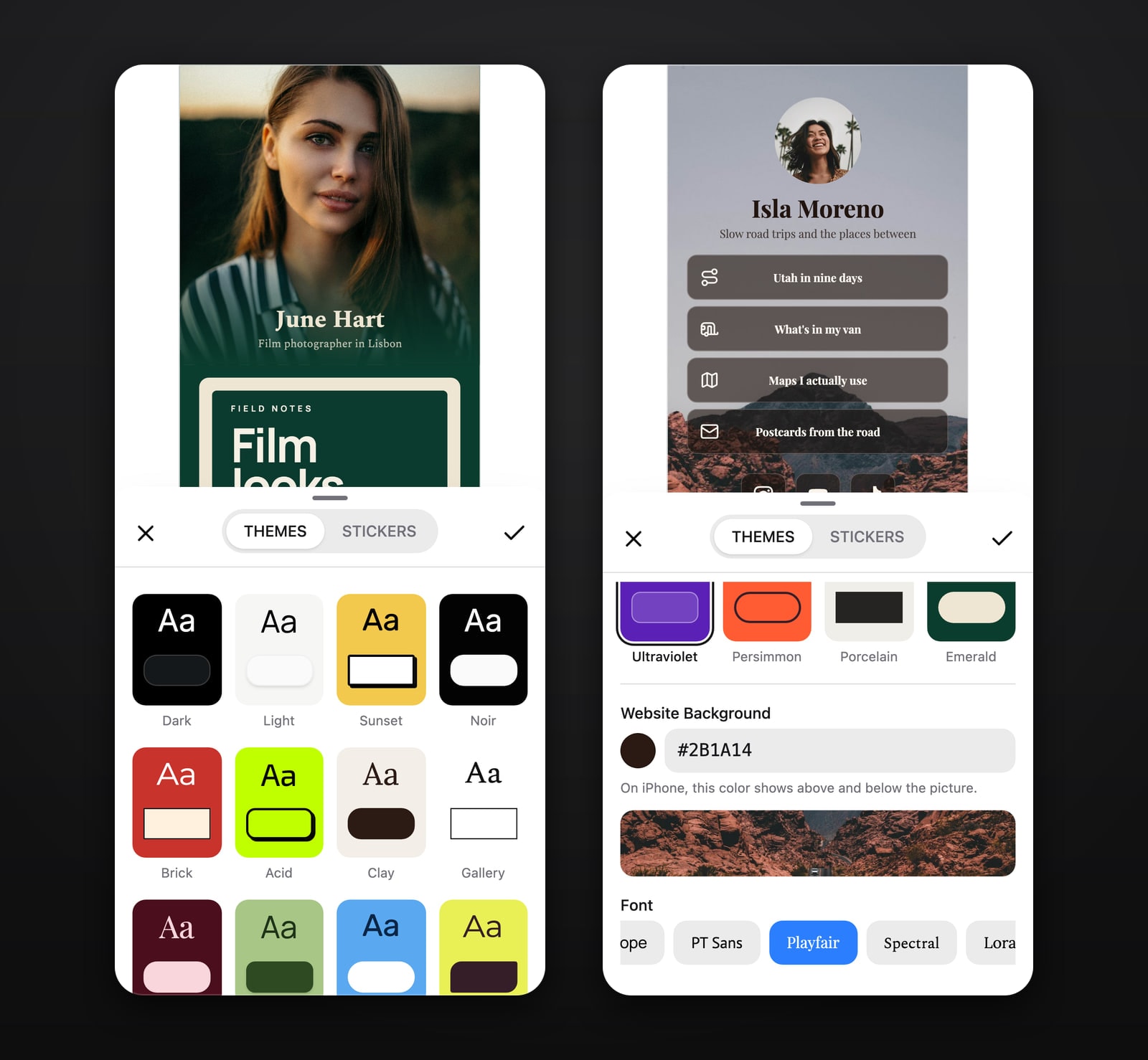
There are 20 themes now instead of 7. Pick one and the whole page follows along. You can also choose one font for the whole page and put your own photo behind it.
Set your page title and link preview#
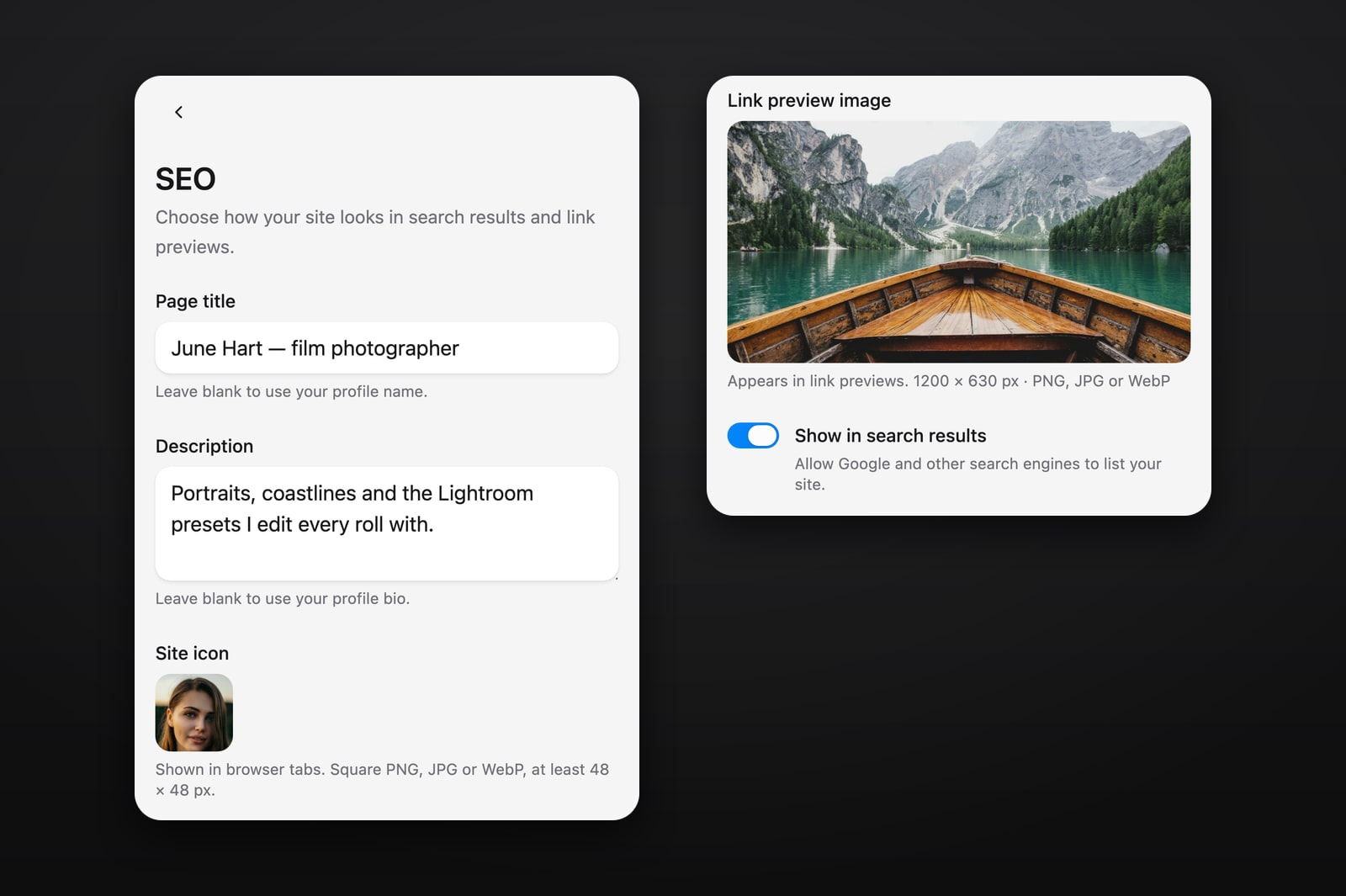
A new SEO page in your site settings lets you set your page title, description and icon, and the picture people see when your link is shared. Leave them empty and we'll use your name, bio and photo. Google sometimes rewrites titles in its results, so think of yours as the preferred one.
Build first, sign up later#
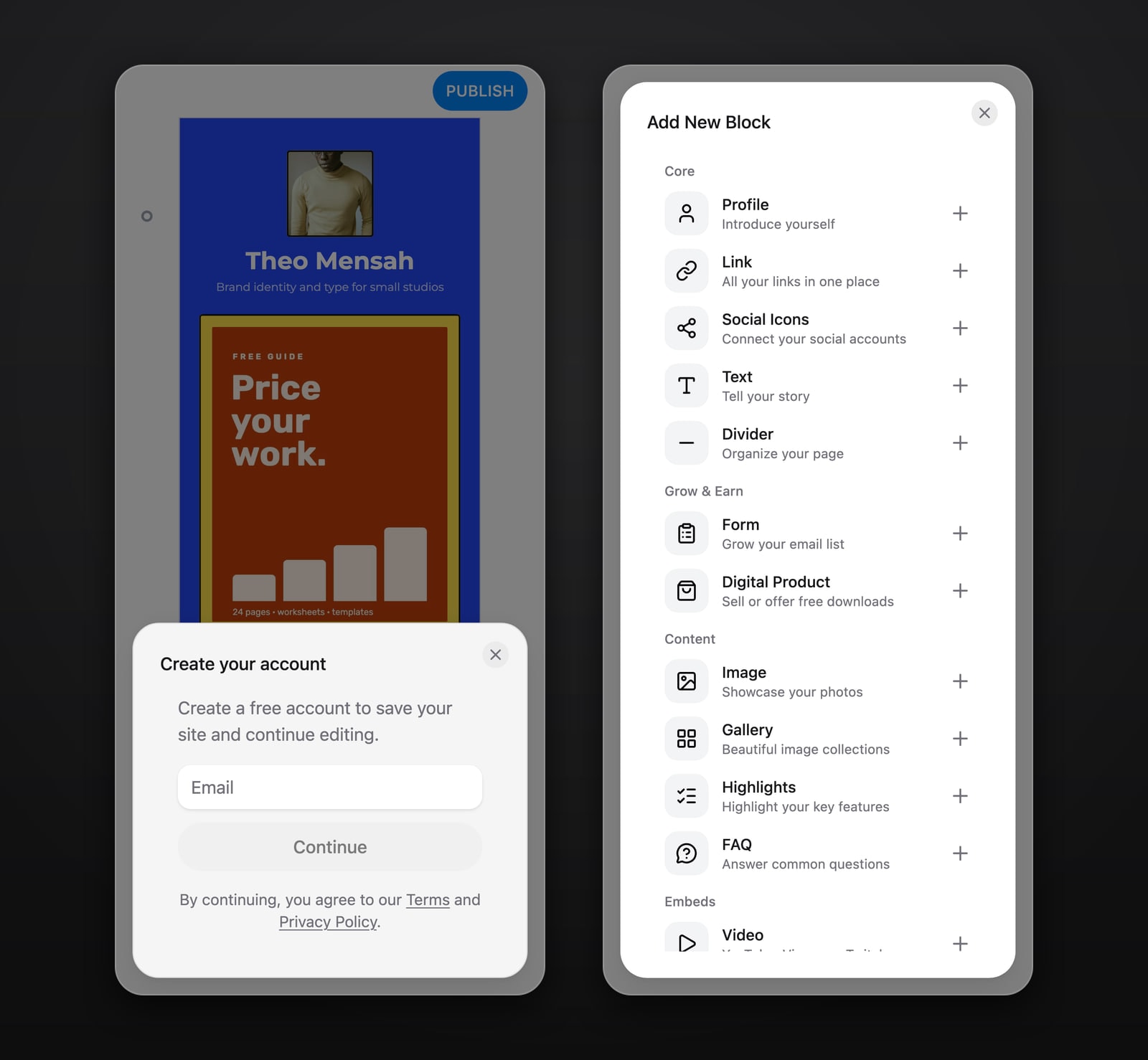
Start building without an account: click Create site on stick.so and you're in the editor. Sign up when you're ready to publish or set up a paid product.
58 free tools#
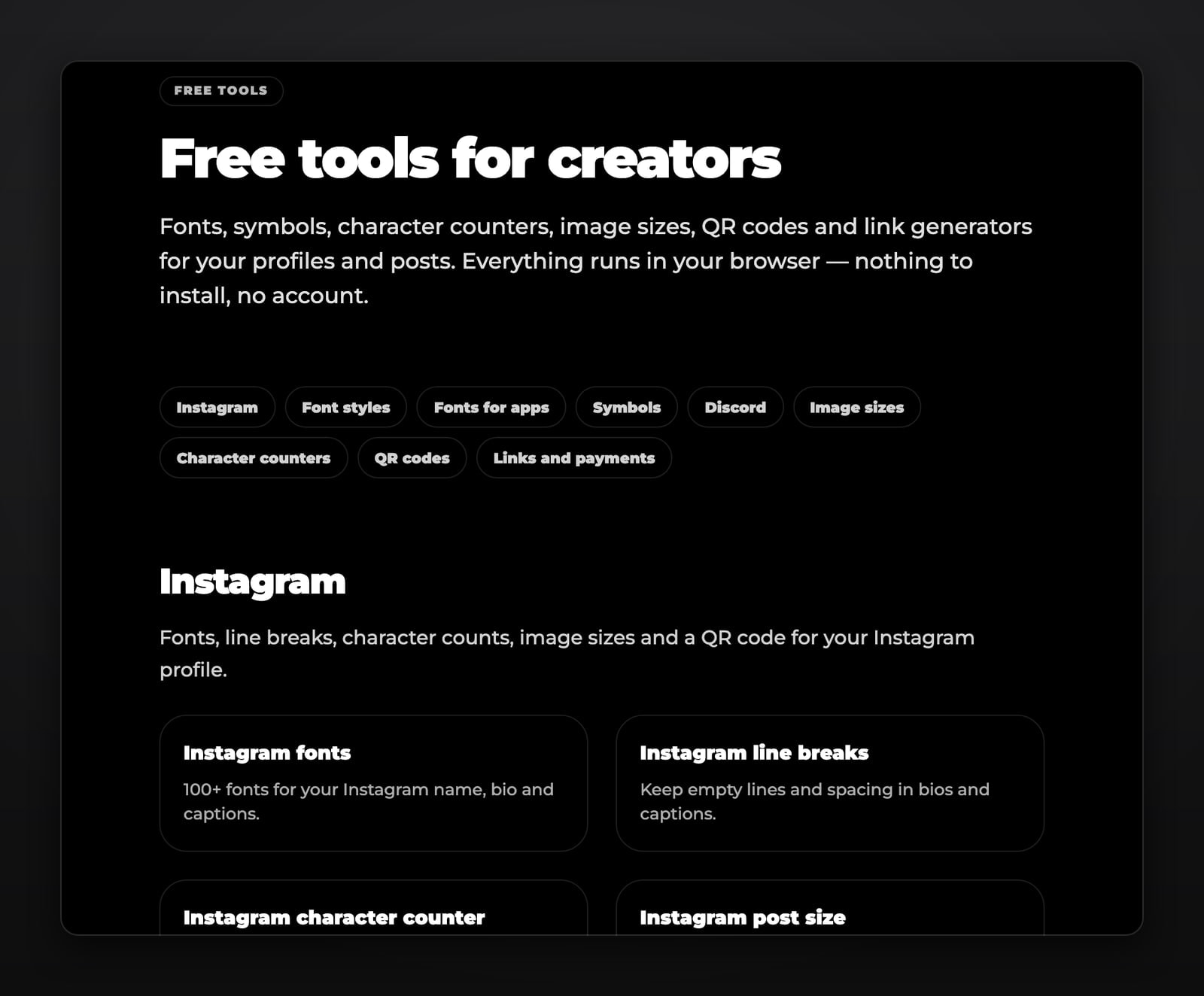
stick.so/tools now has 58 free tools for your profiles and posts, like Instagram fonts, a character counter and a Stripe fee calculator for when you start selling. No sign-up needed.
That's September. Open the editor and try it out.